Peregrine FLOW Beta
Try Peregrine perception on your own footage
FLOW is our workbench for vision workflows. Open a working template, drop in your own images or video, tune the settings while it runs and download the result. No code, and nothing to install.
- Runs in your browser
- Built on Peregrine Vision
- Free to start
Perception
Detect objects Track objects Segment objectsPrivacy
Blur faces and platesOutputs
Annotated video Annotated imagePreview
Source clip
Detections
Faces and plates blurred
Result annotated_video.mp4ReadyVideo upload
Detect and track
Blur faces and plates
Annotated video
How it works
From template to result in three steps
You need a browser and something to test. FLOW handles the models, the compute and the setup.
- 1
Templates
Open templateFixed cameras
Warehouses
Crowds
Open a template
Start from a working template for road scenes, warehouses, fixed cameras or crowds. Every block sits on the canvas, so you can see how the result is put together.
- 2Drop images or video here or start with the sample clipsyard_camera_02.mp4Processing
Add your own images or video
Upload material from your own cameras. The workflow runs on our servers and the result appears in your browser.
- 3Confidence0.50Blur strengthHighBox coloursDownload result
Tune it and download
Change thresholds and colours while the workflow runs and watch the output update. Download the annotated file to share with your team.
Where FLOW fits
Peregrine Vision is the engine. FLOW lets you see it work.
FLOW opens up a selection of Peregrine Vision capabilities so you can run them on representative data and see the result before anything is integrated.
Peregrine Vision
Our perception software for cameras, vehicles and drones. It detects and tracks what is in the scene, measures depth and position, and anonymises people.
How Peregrine Vision worksPeregrine FLOW
Run Vision capabilities on your own images or video and see what they pick out.
Try FLOWYour application
Our team builds the rules, events and integration your case needs, on your cameras, vehicles and software.
From FLOW to productionTemplates
See it on scenes like yours
Each template runs Peregrine perception on a typical scene. Open one to see the result, then swap in your own images or video.
Swipe through the templates
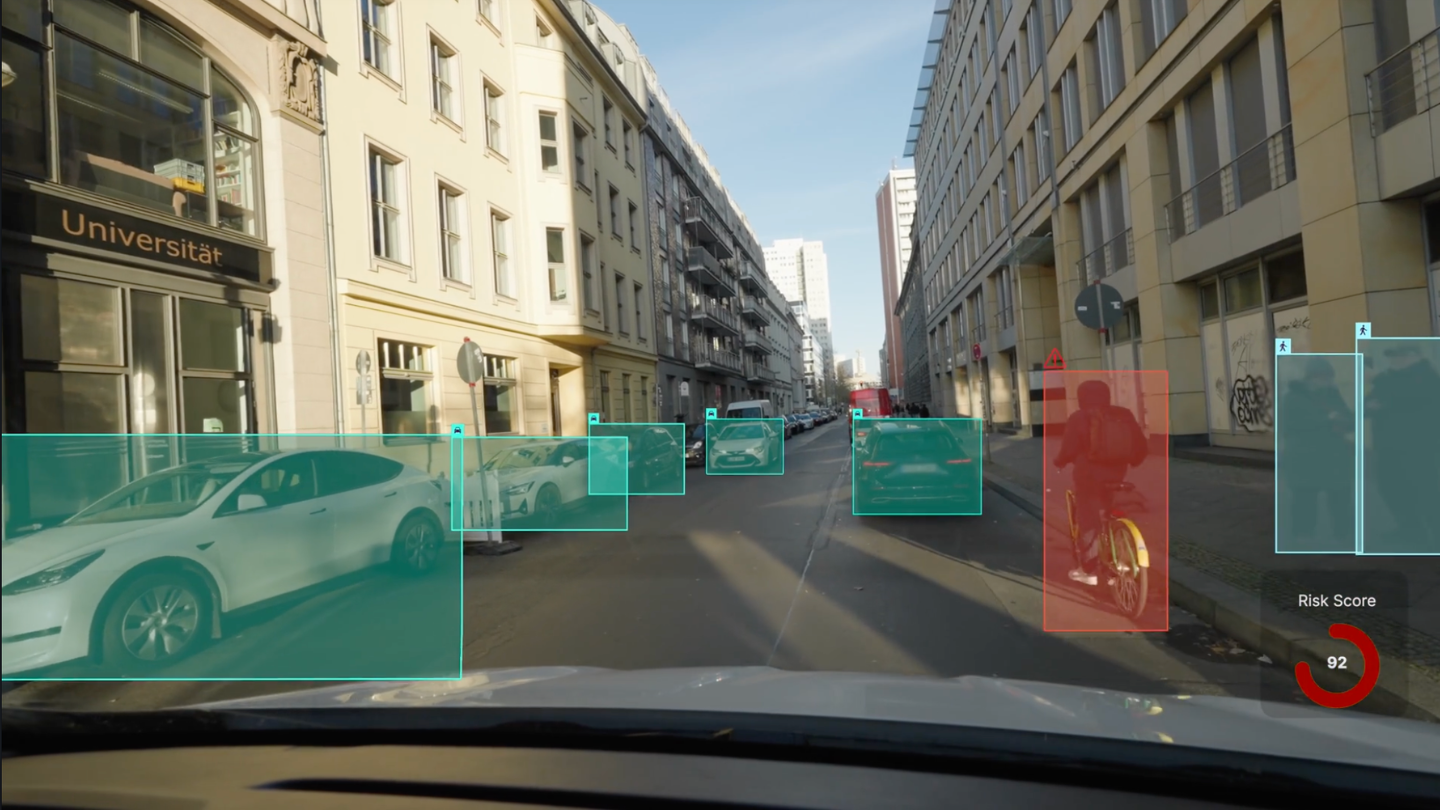
TransportationRoad scenes
Vehicles, cyclists, pedestrians and road assets, detected and tracked from a moving vehicle.
- Vehicles
- Cyclists
- Pedestrians
- Road assets
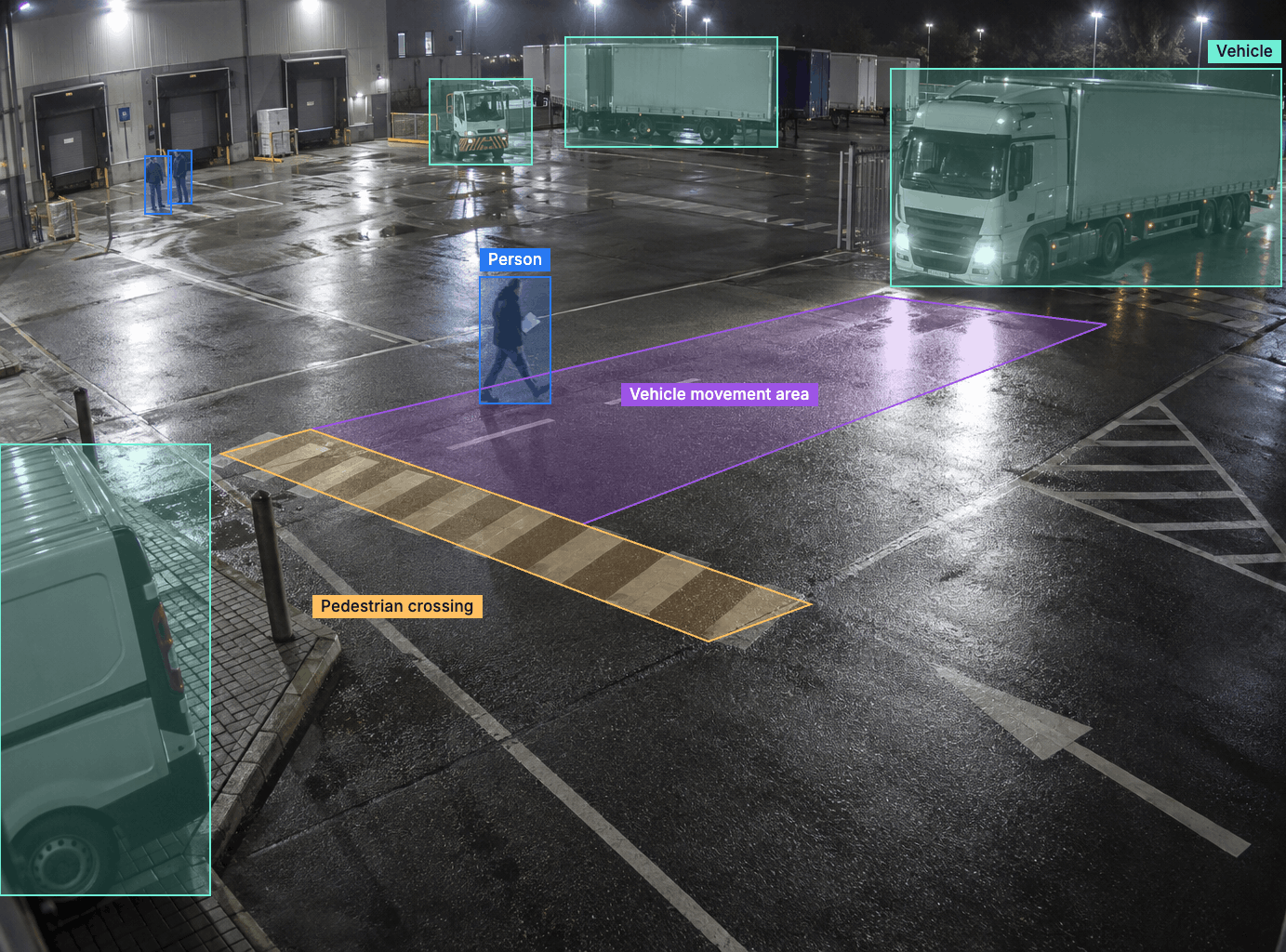
Security & Defence PlayingFixed cameras
People on foot and vehicles picked out in a fixed camera's view.
- People
- Vehicles
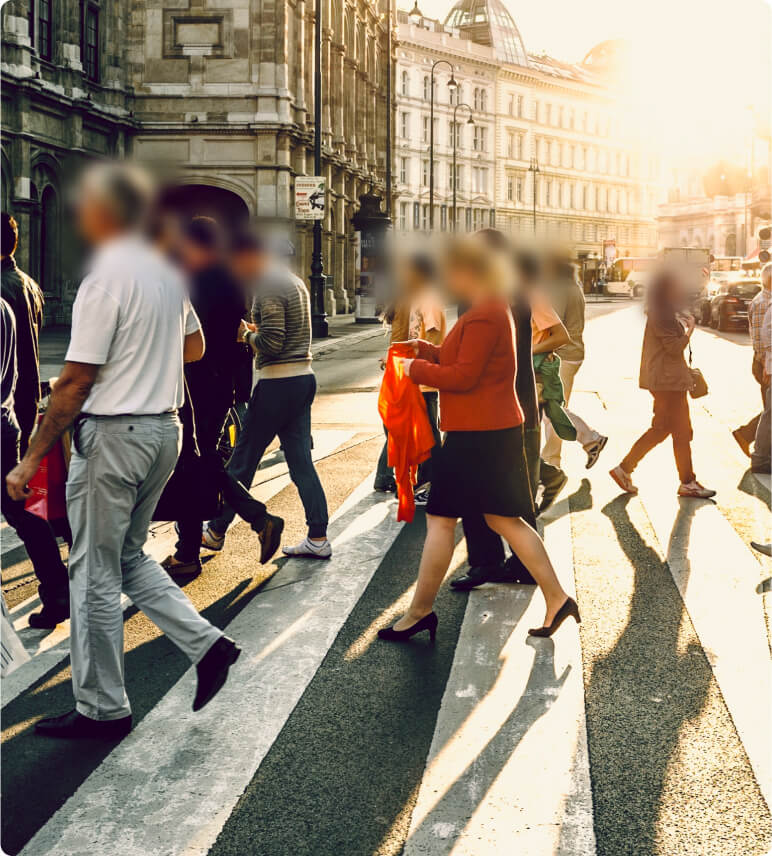
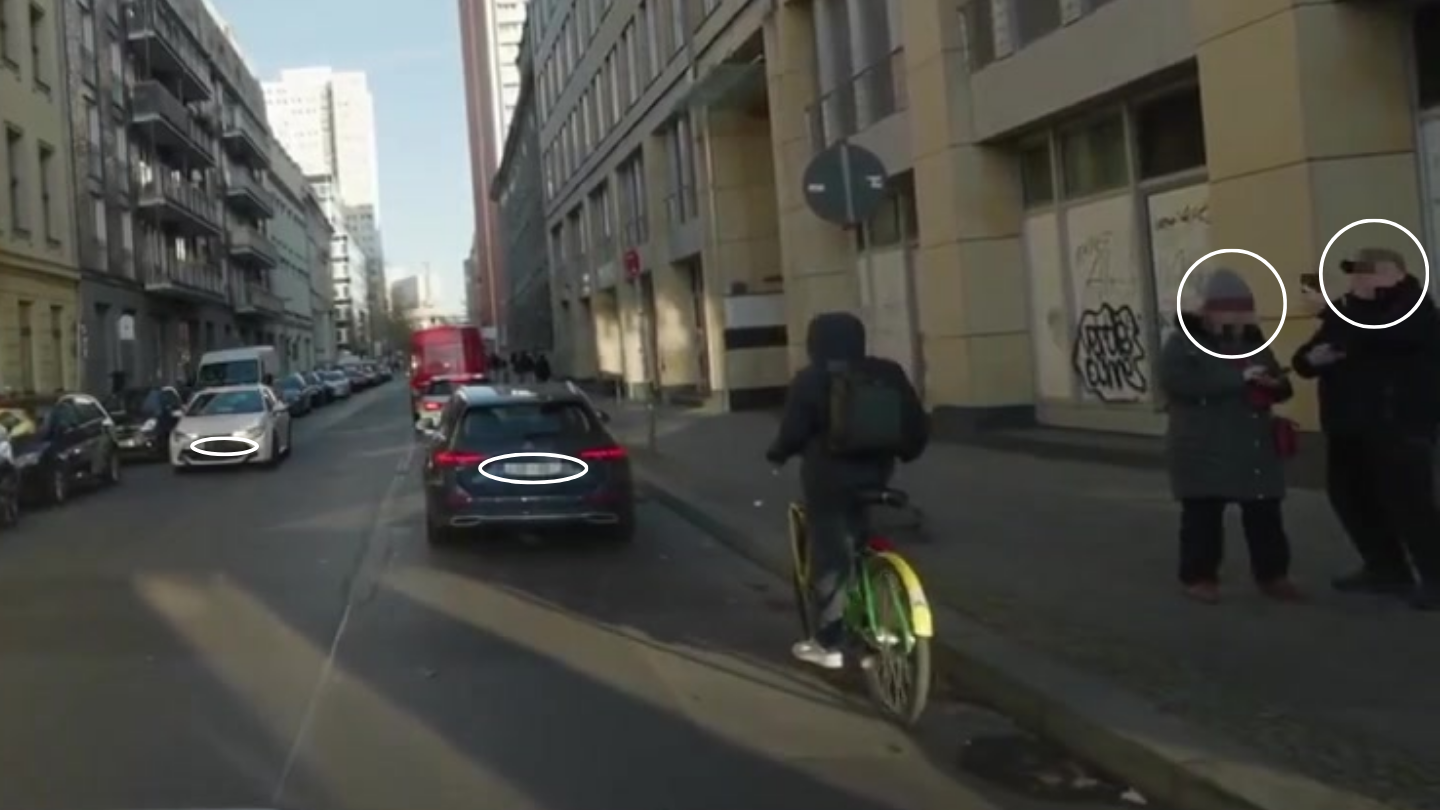
PrivacyCrowded streets
Faces and licence plates blurred before footage is stored or shared.
- Faces
- Licence plates
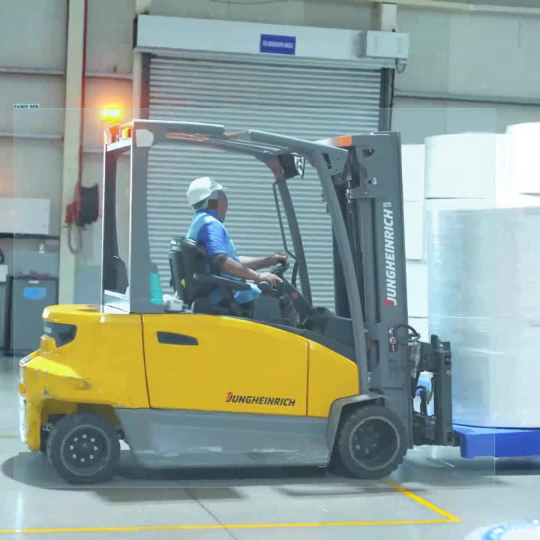
Industrial safetyWarehouses
Forklifts and people on foot, detected and tracked across the floor.
- Forklifts
- People
Data Solutions PlayingStreet assets
Traffic signs, signals and other road assets picked out from a moving vehicle.
- Traffic signs
- Signals
- Road assets
Your own images or video
Bring clips from your own cameras and run the same perception on them.
Open FLOWComing from one of our markets
- Transportation
Road-risk, tracking and context workflows for fleets and vehicle makers.
Explore Transportation - Security & Defence
Ground, airborne and fixed-camera perception, prototyped before platform integration.
Explore Peregrine Labs - Data Solutions
Camera streams turned into machine-readable records of roads and infrastructure.
Explore Data Solutions
Building blocks
Try what makes Peregrine different
The blocks come from Peregrine Vision. Chain perception, spatial understanding and anonymisation, then see the result drawn onto your own images or video.
Perception
- Object detectionVehicles, people, cyclists and road assets, found in every frame.
- Multi-object trackingEach object followed from frame to frame, with its path.
- SegmentationObjects outlined to the pixel.
- Pose estimationHow a person is standing, moving or facing.
- Open modelsHugging Face detection, segmentation and classification models, run next to Peregrine's own.
Spatial
- Depth estimationDistance to objects, from a single camera.
- Visual SLAMThe camera's own path and the layout of the scene, from video alone.
- Ego motionHow the camera, or the vehicle carrying it, is moving.
- PositioningObjects placed in the scene and tied to a location.
Privacy
- Face anonymisationFaces detected and blurred automatically.
- Plate anonymisationLicence plates detected and blurred.
Outputs
- Live previewSee each change on the result straight away.
- Annotated mediaBoxes, masks, labels and blur drawn onto the image or video.
- DownloadKeep the annotated result as a file.
From FLOW to production
Works on your footage? Run it on your platform.
FLOW shows you what Peregrine perception picks out in your scenes. Our team then builds the rules, events and integration around Peregrine Vision on your platform.
Road scene, detect and anonymise
- Run on clips from your own fleet
- Thresholds tuned
- Result checked by your team
API integration
Send structured events and metadata into the software you run today.
- JSON events and metadata
- REST and webhooks
- Backend integration
On the device
Move the Vision capabilities you need onto cameras, gateways, vehicles or embedded compute.
- Quantised to your NPU
- Works without connectivity
- Updates over the air
Production integration
Turn the workflow into a system that holds up in the field, with Peregrine Labs.
Explore Peregrine Labs- Rules and events for your case
- Hardware integration
- Chipset optimisation
- Validation and monitoring
Before you upload
Know where your footage goes before you upload
Proprietary material needs clear answers. This is how FLOW handles what you send it.
- Processed in Germany Workflows run on GPU infrastructure hosted in Germany, under EU law and the GDPR.
- Not used for training without your permission We do not use your uploads to train our models unless you agree to it.
- Sample data comes first Every template ships with example data, so you can see results before you upload anything of your own.
- Anonymise before you share Blur faces and licence plates with the anonymisation template before results go to anyone else.
- Private deployments For confidential or regulated material, ask us about running FLOW in your own cloud, on the edge or on your premises.
Questions about your data? Ask our team
Peregrine FLOW Beta
Run your first workflow in the browser
Free to start. When a workflow does what you need, we will help you take it to your platform.