Peregrine Vision technology
From pixels to position, context and action
The perception software behind every Peregrine product. It runs on the camera's own processor and turns each frame into something your system can act on.
- 1Pixels
- 2Perception
- 3Position
- 4Context
- 5Action
Event sentPedestrian entering lane, driver warned
Illustration- Pixels
- Perception
- Position
- Context
- Action
The frame is read once, for every task
Most systems run a separate model per job. Peregrine Vision reads each frame once and takes every output from that reading, so a dashcam-sized processor carries the full set.
Shared perception model
- ObjectsVehicles, people, signs and signals
- TracksThe same object, frame after frame
- DepthHow far away each part of the scene is
- Lanes and roadLane lines, edges and drivable space
- Pose and gazeBody pose outside, driver attention inside
- SceneWeather, road surface and traffic density
- Pixels
- Perception
- Position
- Context
- Action
What the camera picks out
Model output, drawn back onto the footage it came from.
LanesDepth
Signs
Pose
SignsMotion
- Pixels
- Perception
- Position
- Context
- Action
Where everything is, the camera included
Depth from one camera, and visual SLAM to follow how that camera moves. The vehicle gets a position, and so does everything it passes. No LiDAR on board.
- Distance in metresFrom one standard camera.
- The vehicle's own movementWorked out frame by frame from the image.
- Objects on the mapSigns, lights and damage placed where they stand.
- Position without satellitesIn tunnels and between tall buildings.
- Pixels
- Perception
- Position
- Context
- Action
Detection sees objects. Peregrine reads the situation.
Peregrine Vision combines objects, movement, distance and conditions into an event that says what happened and why.
An object detector returns
- car
- car
- truck
- person
- traffic light
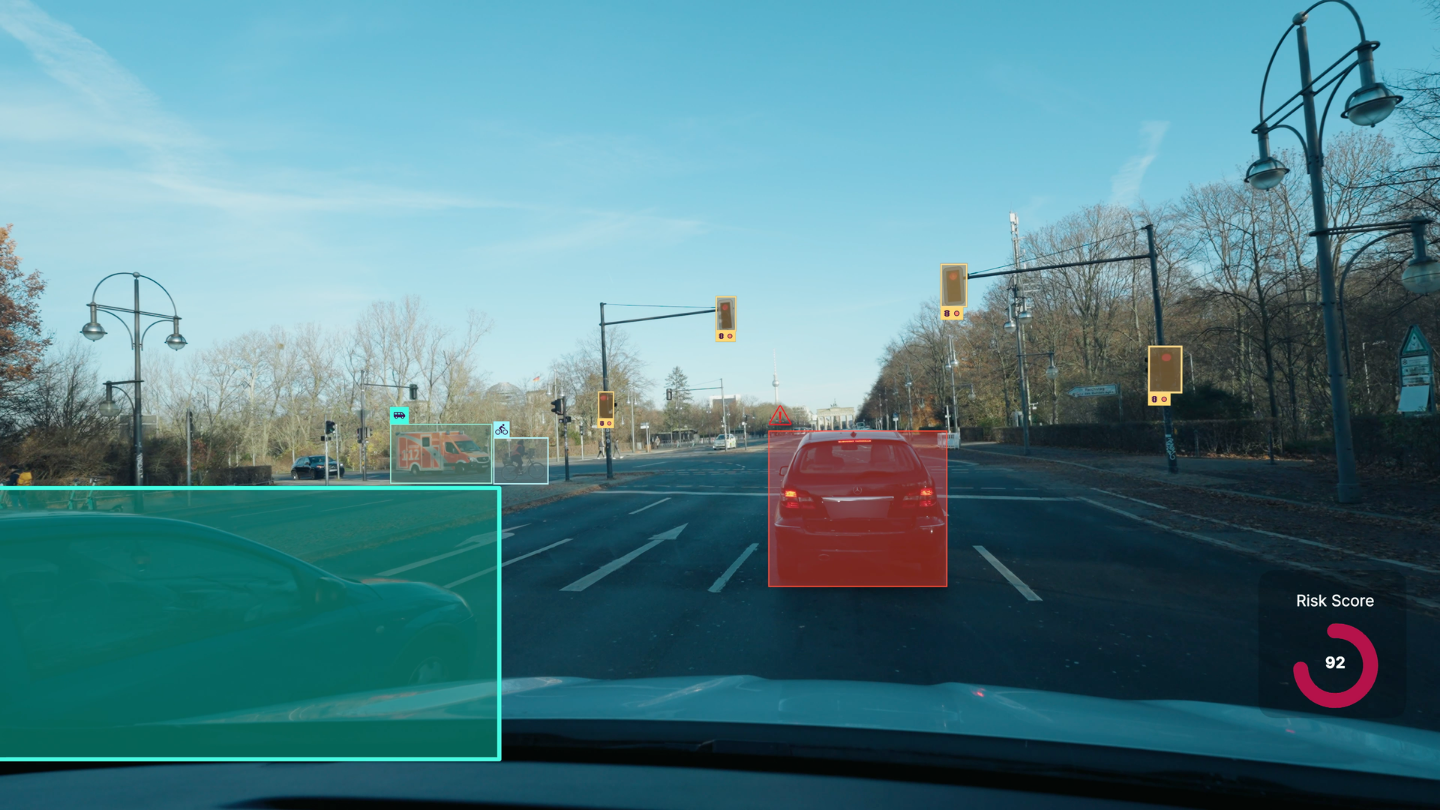
Peregrine Vision returns
- type
- tailgating + distraction
- time to contact
- 0.9 s
- risk
- 92 / 100
- media
- clip, faces and plates blurred
The same harsh brake, read against the whole trip
- Pixels
- Perception
- Position
- Context
- Action
A warning in the cab, an event in your backend
The response happens on the device. Your platform gets a structured record of each event.
Every frameContinuous video from the camera
On the devicePeregrine Vision reads, decides and filters
- Warning in the cabRaised on the device, while it can still help
- Event to your backendOver the API, with an optional anonymised clip
- Update to the mapSigns, roadworks and damage, with coordinates
99%of the visual data is filtered out on the device
Built for the edge
Shaped to fit the chip in the device
Each model is cut to the compute, memory and power of the hardware it runs on.
- Quantised for GPU, CPU, NPU or ASIC
- Runs with no connection
- SDK or API
Tested on more than 250 consumer chipsets.
Latencyunder 85 ms
Memorywithin budget
Powerwithin budget
The same hazard, two routes to a warning
Data per camera, per hour, measured in selected deployments. Route timings are an illustration.
Silicon we deploy on. Ask about your chipset
Better in the field
Models that learn from what they find hard
Cameras in service flag the scenes their model is unsure about. Those scenes become the next round of training.
Unsure FleetModel updated
- FlagThe device marks a scene it is unsure about.
- FindSimilar scenes are found across the fleet's data.
- LabelAnnotated, with labels carried through each sequence.
- UpdateThe improved model goes back over the air.
Privacy by design
Identities removed before anything is kept
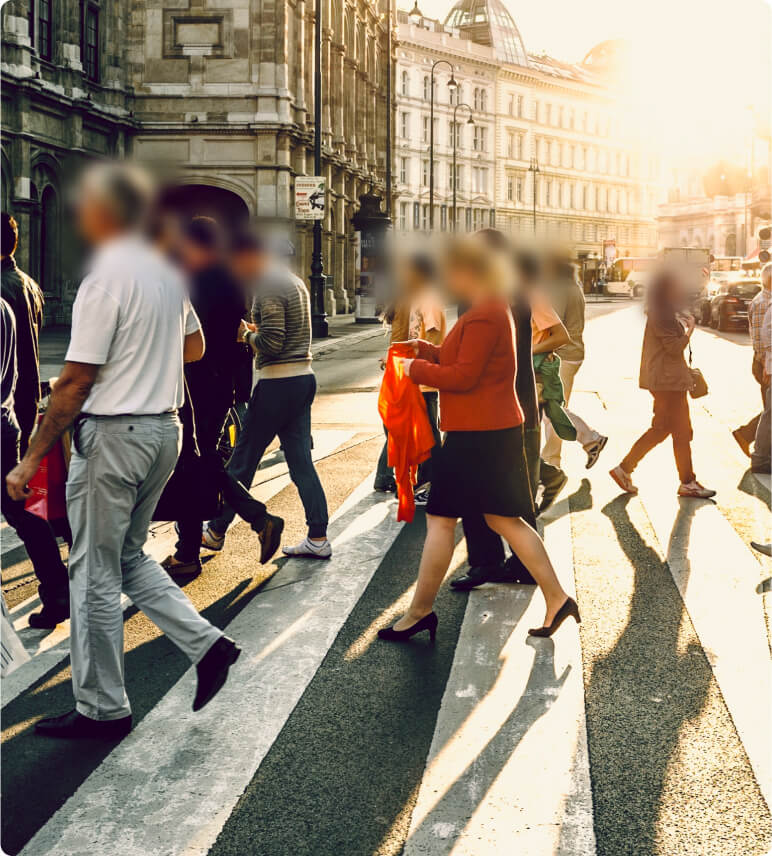
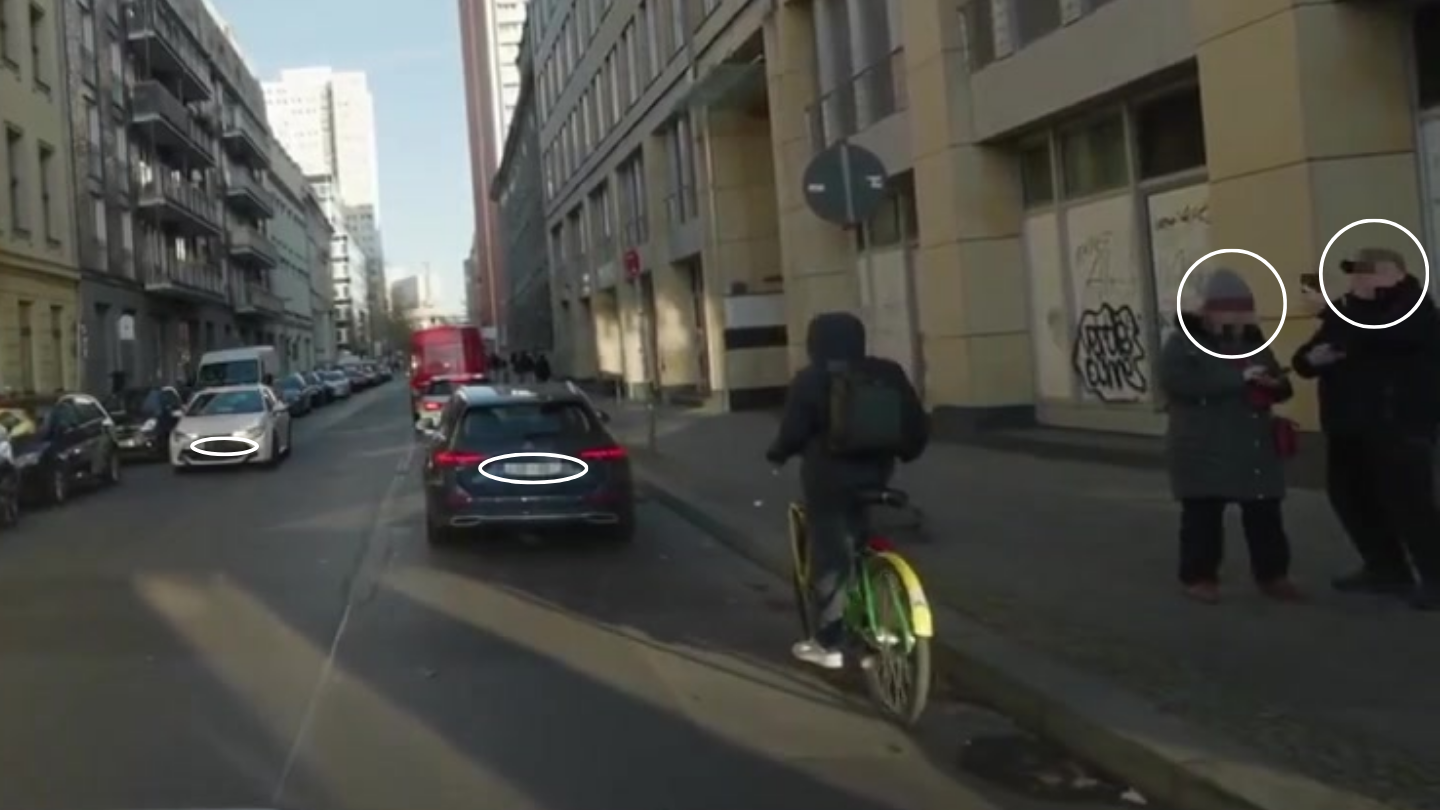
Faces and licence plates are blurred automatically. Most of what the camera sees is never kept.
- Anonymised before storageBefore anyone views it.
- Relevant events onlyThe rest is discarded.
- Data without videoWhere structured events are enough.
- EncryptedOn hardware you choose.
Faces blurredPlates blurred
Where it runs
The technology behind each Peregrine solution
The same perception underneath, tuned to each sector's hardware and events.
Transportation
Video telematics and driver assistance.
Explore TransportationSafety and security
Fixed cameras, drones and vehicles, offline.
Explore LabsData Solutions
Road and infrastructure data from fleets.
Explore Data SolutionsPeregrine Flow
See the models work before you integrate them
Our browser tool for trying Peregrine Vision models and seeing their output drawn on video.
Try Peregrine FlowAt a glance
- Cameras
- Standard cameras, facing the road or the cabin
- Runs on
- Embedded GPU, CPU, NPU or ASIC
- Outputs
- Objects, tracks, depth, lanes, pose, scene and events
- Latency
- Under 85 ms from frame to action
- Connection
- Optional. Perception and warnings run offline
- Integration
- SDK on the device, or API to your backend
- Updates
- New models over the air
- Privacy
- Faces and plates anonymised before storage
See what Peregrine Vision makes of your camera
Bring your camera, your compute platform and your use case. We will show you how Peregrine Vision fits your architecture.